
Recent Notifications
Tools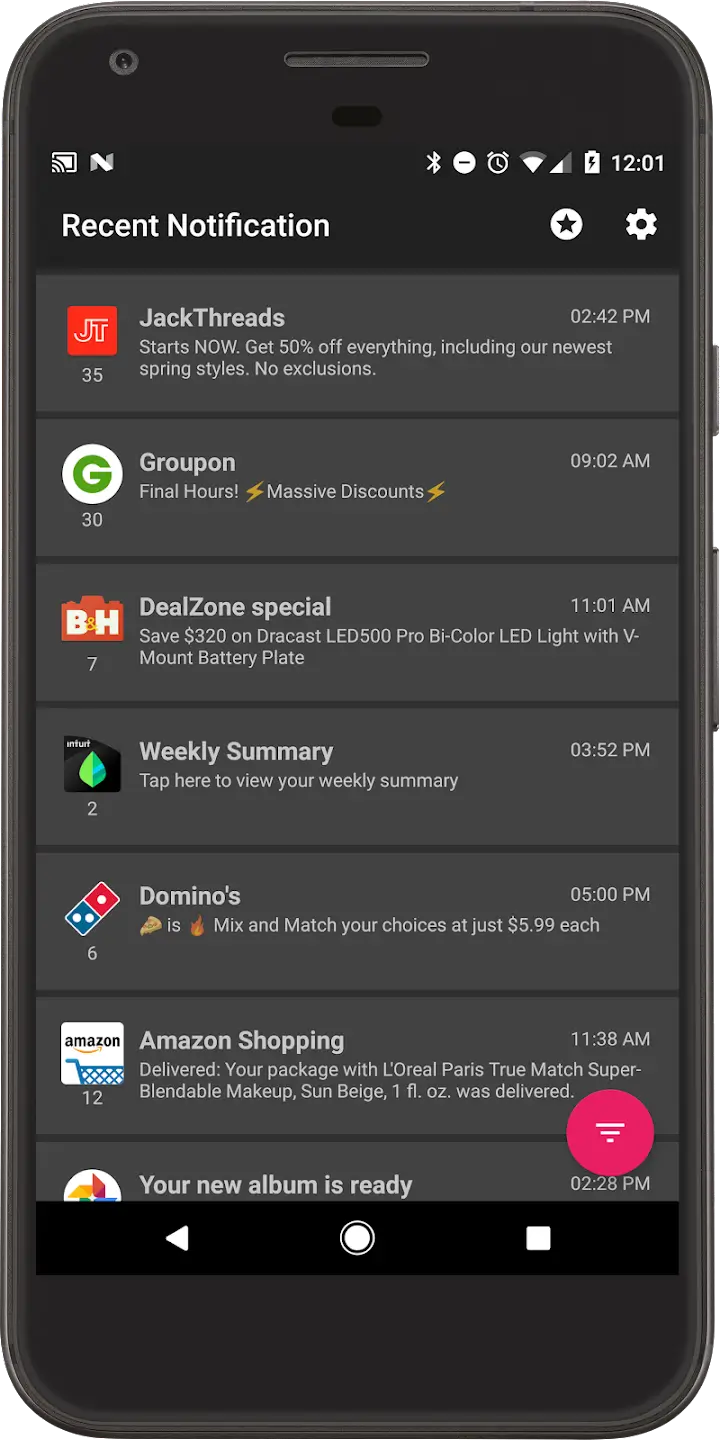
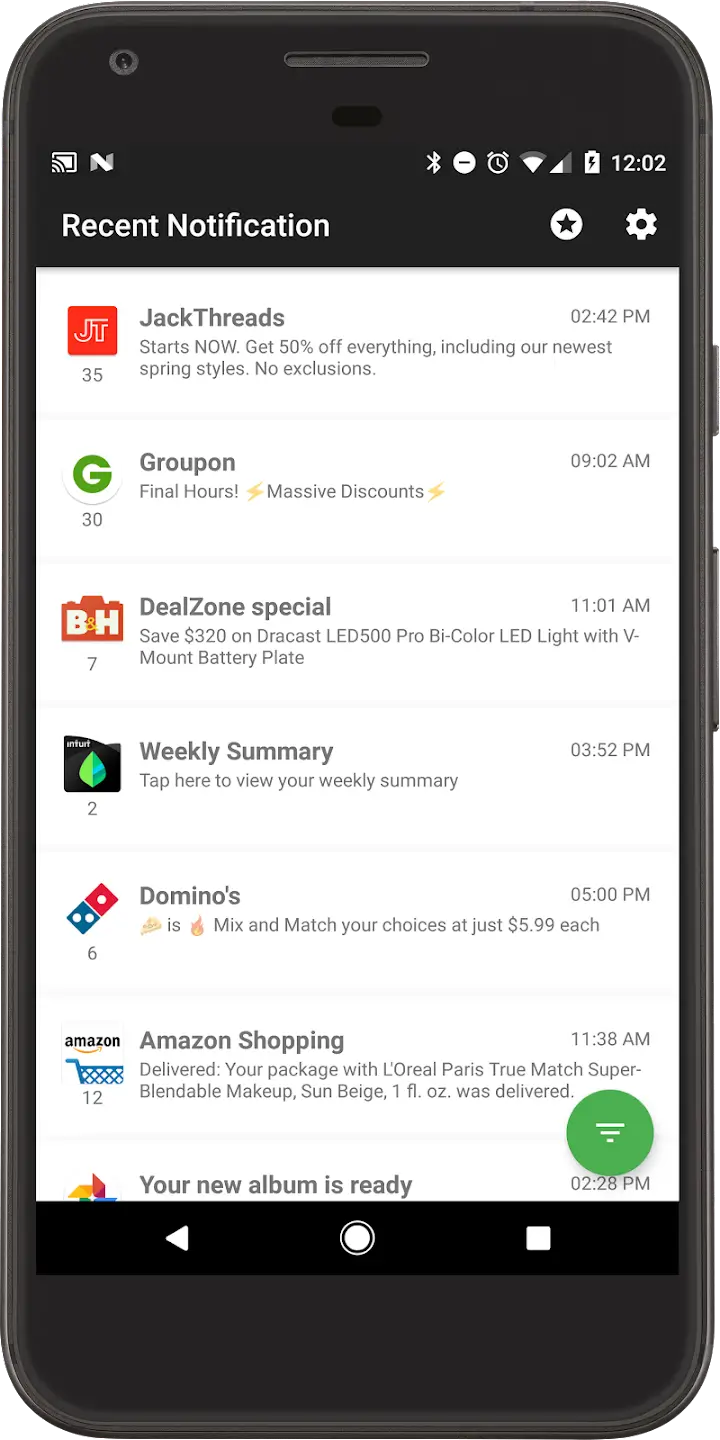
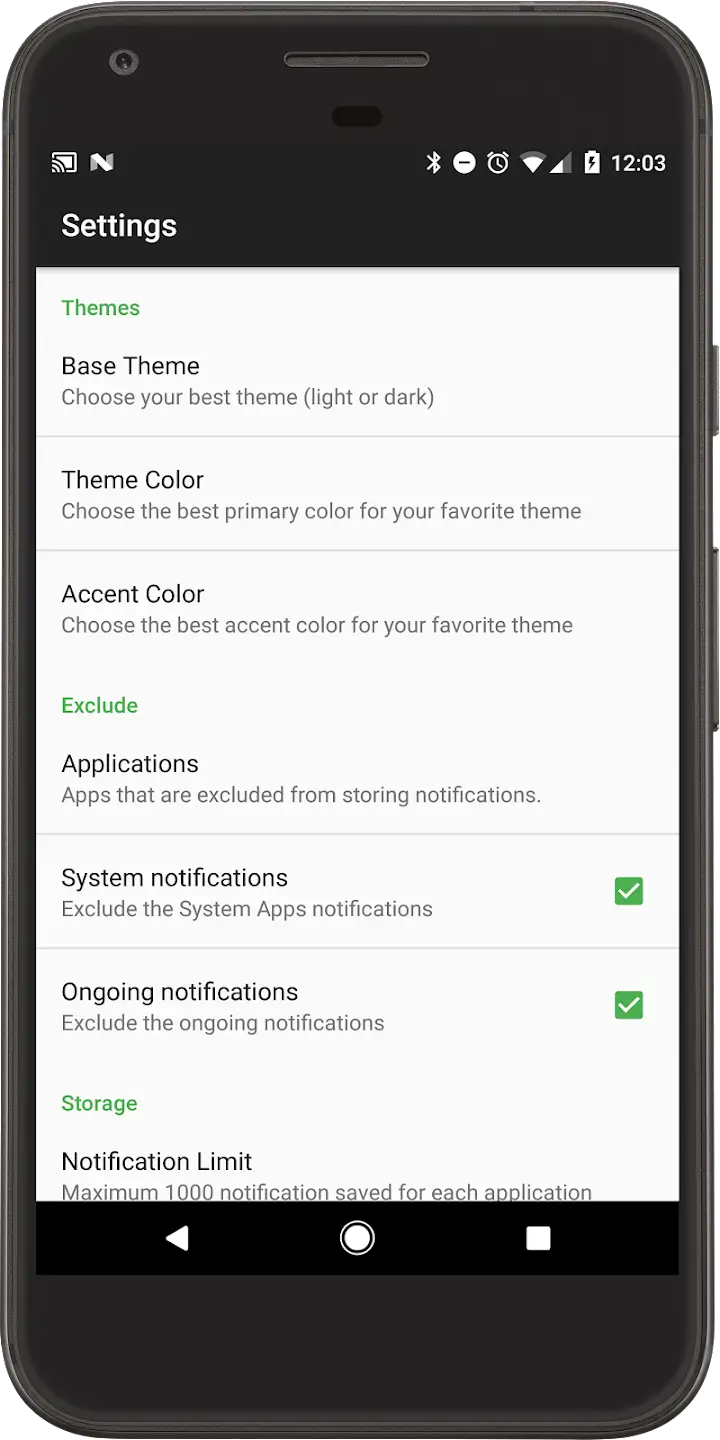
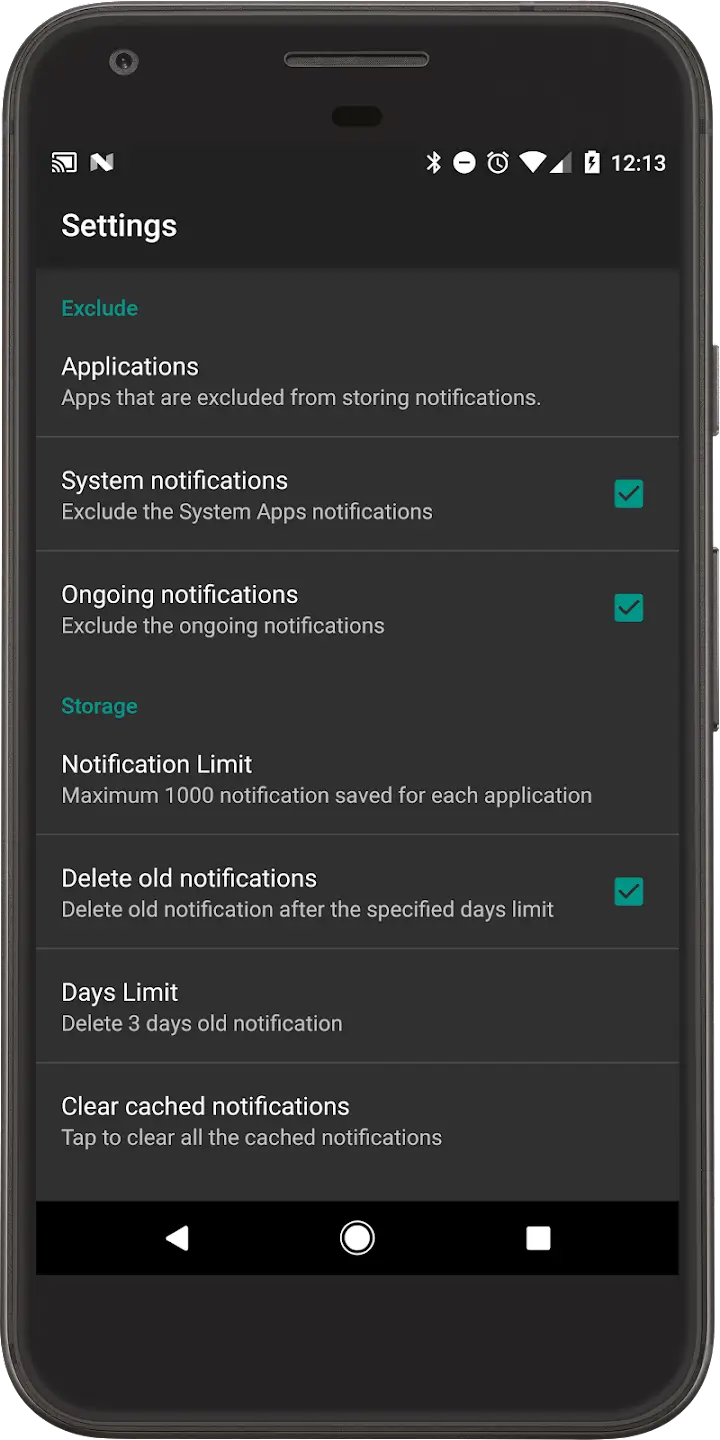
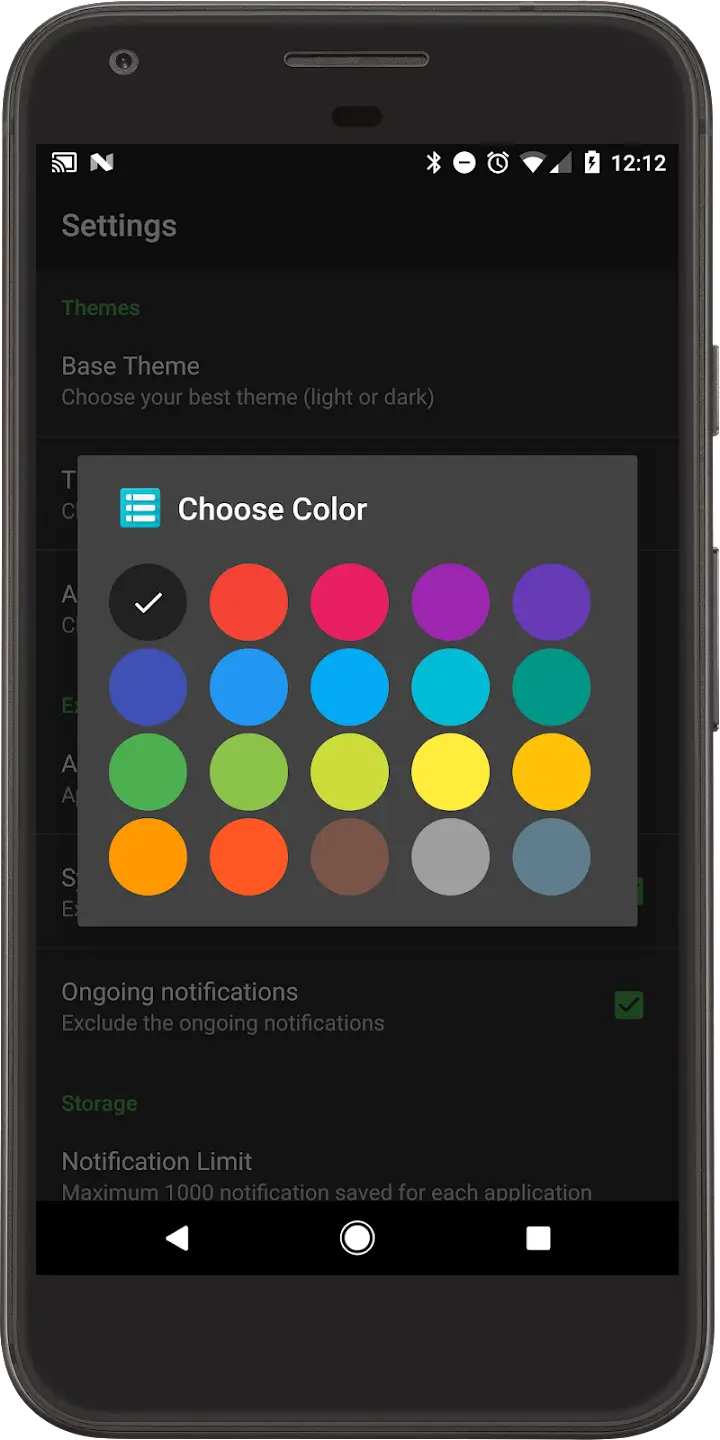

Recent Notifications is a lightweight Android utility that records the notifications you receive, even after they have been cleared or silenced. If you often miss important alerts because you tap the clear button too quickly or use Do Not Disturb mode, this app keeps a short‑term history so you can review what you may have overlooked.
This page provides the essential details, a step‑by‑step install guide, troubleshooting tips, and a quick safety overview.
Quick Information
| App/Game Name | Recent Notifications |
| Latest Version | 3.7.0 |
| Developer | Not listed |
| Category | Apps / Tools |
| App Size | 6.72 MB |
| Package Name | com.libin.notification |
| Last Updated | 1 October 2026 |
What Is Recent Notifications?
Recent Notifications monitors incoming system notifications and stores a brief log that includes the app name, notification title, and timestamp. The log is displayed within the app, letting you reopen or act on a notification you might have dismissed by accident.
Key features:
- Shows a list of the most recent notifications, even after they are cleared.
- Includes timestamps for each entry.
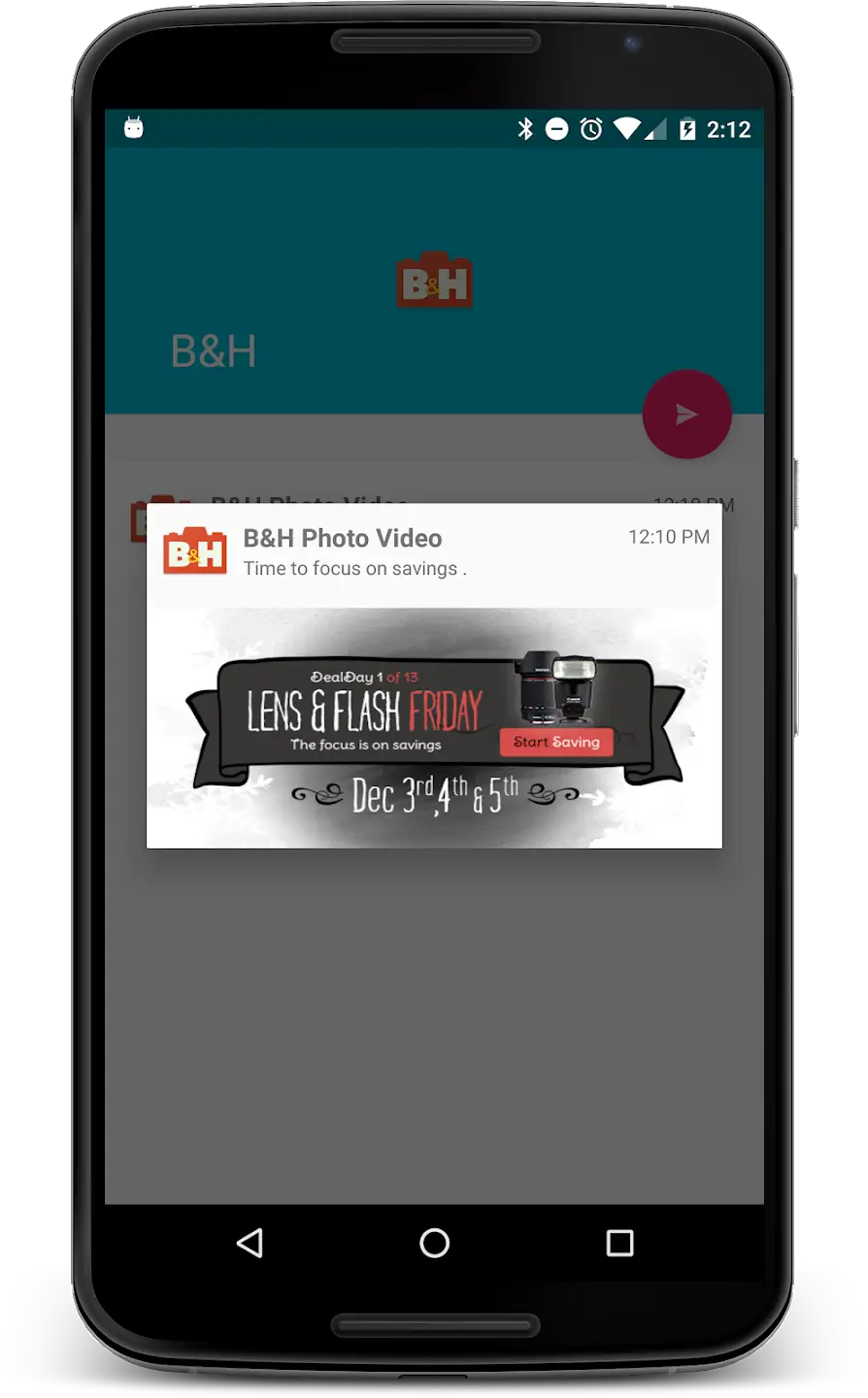
- Allows you to tap an entry to reopen the originating app.
- Works without root; requires the standard notification‑access permission.
Limitations:
- Only records notifications that arrive after the app is first launched.
- Some OEM customizations may restrict access to certain system notifications.
- Does not retain a long‑term history; the list is limited to recent items to keep the app lightweight.
Compatibility
| Android Version | Not Verified |
| Architecture (ARM64 / 32-bit) | ✓ Verified — Supports common device architectures |
| Internet Connection | ✓ Verified — May be required for ads, updates, or login |
| Storage Needed | Not Verified |
| OBB/Data Files | Not Verified |
| Root Required | Not Verified |
How to Install
- Download the Recent Notifications APK file to your Android device.
- Open Settings → Security (or Privacy → Install unknown apps) and enable Install unknown apps for the browser or file manager you will use.
- Locate the downloaded APK using a file manager and tap it.
- Follow the on‑screen prompts to install the app.
- After installation, open the app and grant the required Notification access permission when prompted.
Troubleshooting
- App not installed error: Ensure you have enabled installation from unknown sources and that the APK is fully downloaded.
- Crashes on startup: Clear the app’s cache via Settings → Apps → Recent Notifications → Storage → Clear cache, then restart.
- Log does not show notifications: Verify that Notification access is granted (Settings → Apps → Special app access → Notification access).
- Missing entries after a system update: Re‑grant notification permission after Android updates, as permissions can be reset.
Safety & Security
Recent Notifications is an unmodified APK from an unknown developer. As with any third‑party package, download it from a reputable source, scan the file with an up‑to‑date antivirus app, and review the permissions it requests. The app only needs notification access; be cautious if it asks for additional permissions unrelated to its core function.
How Recent Notifications Compares
| Feature | Recent Notifications | Notification History Log | Past Notifications |
|---|---|---|---|
| Price / Model | Free, ads | Free, ads | Free, ads |
| Platform Availability | Android only | Android only | Android only |
| Standout Feature | Simple recent‑only view, minimal UI | Long‑term history with export options | Custom filters and keyword search |
| Best For | Users who need a quick glance at missed alerts | Power users who want detailed logs | Those who need searchable notification archives |
Alternatives
Other well‑known notification‑logging tools include Notification History Log, which offers extended storage and export capabilities, and Past Notifications, known for its robust filtering and search functions. If you prefer a more feature‑rich solution, consider Notification Saver, which adds backup options and widget support.
Final Verdict
Recent Notifications is a straightforward, low‑size utility for anyone who frequently clears notifications or uses Do Not Disturb mode. It reliably captures recent alerts without demanding extensive permissions. However, it does not provide long‑term storage or advanced filtering, so users needing detailed archives may look to the alternatives listed above. Verify the APK’s integrity before installing, and ensure notification access is granted for proper operation.
Frequently Asked Questions
Download the file from a trusted source, scan it with an up‑to‑date antivirus app, and only grant the notification‑access permission it requests.
The latest version is 3.7.0, released on 1 October 2026.
The app works on Android 5.0 (Lollipop) and above; it does not specifically require Android 15.
No root access or OBB files are required; only the standard notification‑access permission is needed.
Make sure installation from unknown sources is enabled and that the APK file is fully downloaded and not corrupted.
Yes, you can install the new APK over a previous installation; the app will retain its data unless you clear it manually.
Only the current 3.7.0 version is provided; older builds are not listed.